
Người dùng
Logs và Describe
Xem log container và kubectl describe từ UI.
Logs
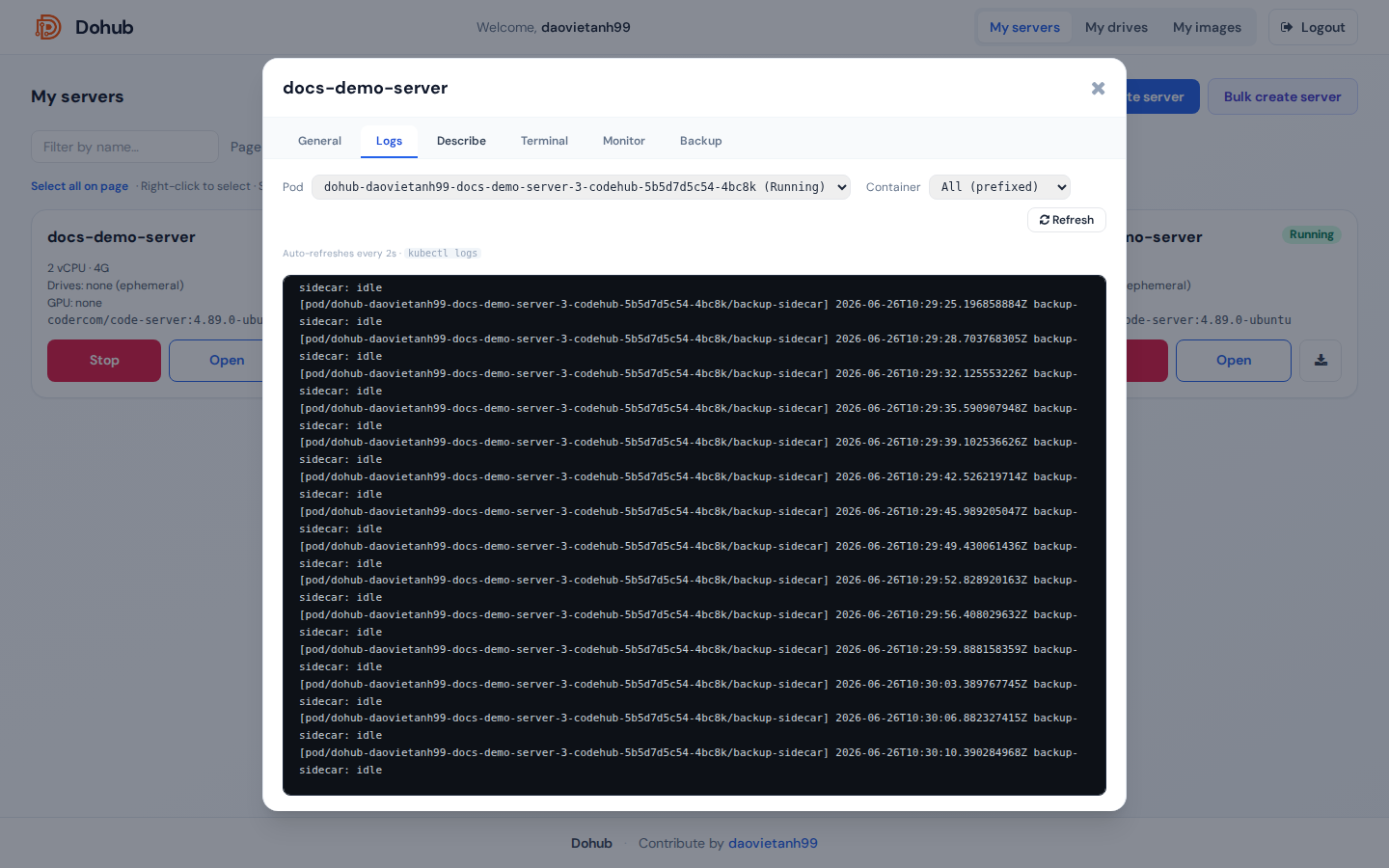
- Mở server → tab Logs.
- Chọn Pod (nếu nhiều pod).
- Chọn Container — container chính
codehubhoặc All (prefixed). - Refresh hoặc đợi auto-refresh 2 giây.
Nguồn: kubectl logs qua API hub.
Describe
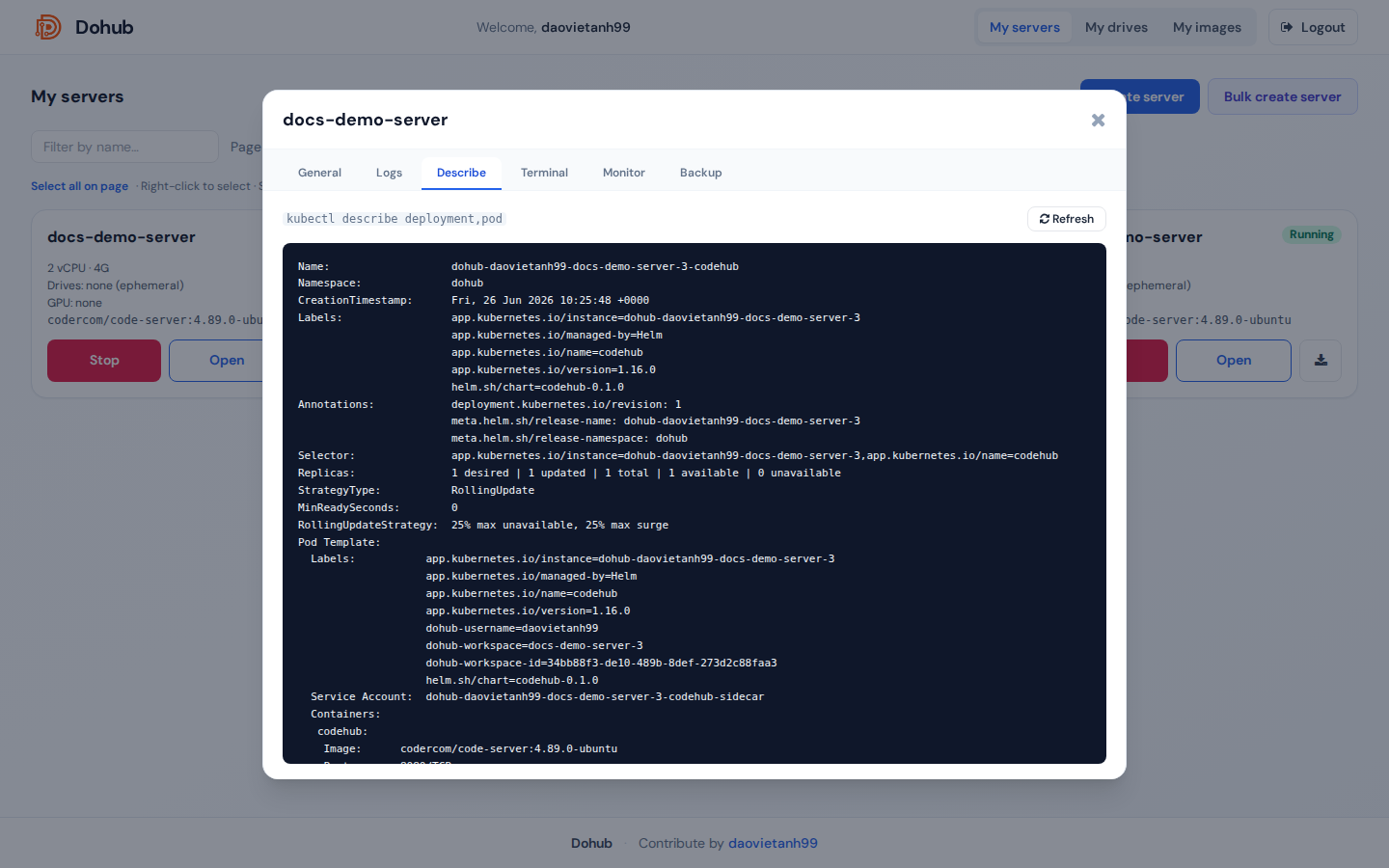
- Tab Describe.
- Refresh để tải output
kubectl describe deployment,pod.
Hữu ích khi debug scheduling, events, probe failed, mount volume.